
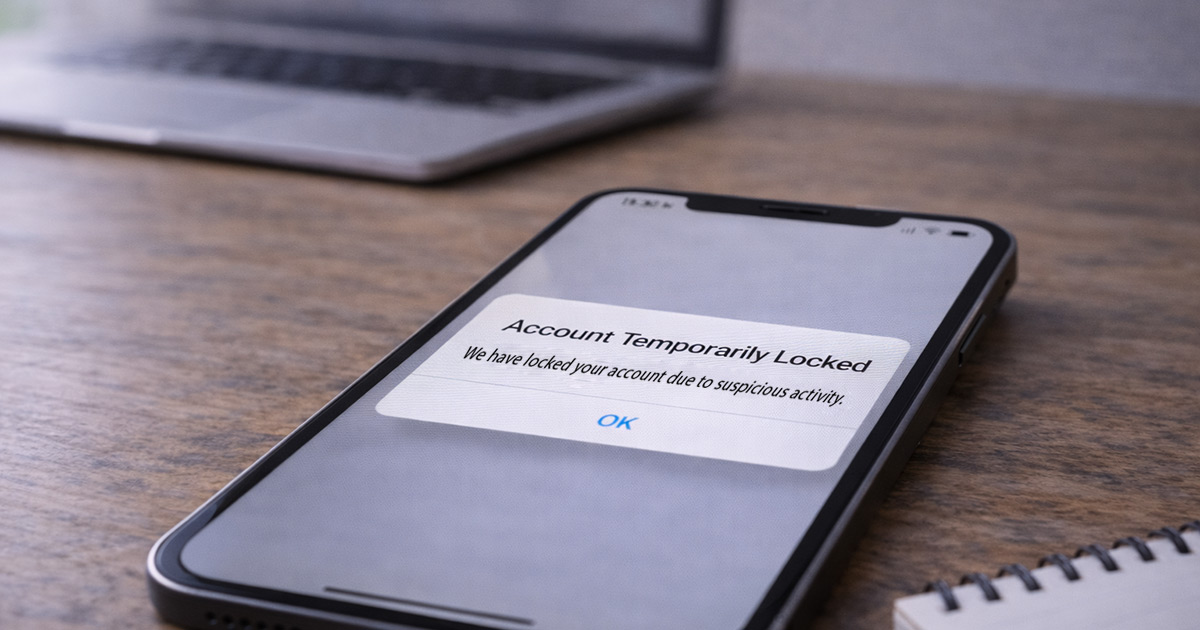
You try to log in… and instead you see:
“Your account has been temporarily locked due to suspicious activity.”
That message gets your attention fast.
Your mind jumps to:
- Was I hacked?
- Did I break a rule?
- Is my account gone?
Take a breath.
In most cases, this is an automated security pause — not a ban and not a punishment. The system saw something unusual and decided to double-check.
That’s all.
Why Accounts Get Temporarily Locked
Most platforms use automated monitoring that looks for:
- New devices
- New locations or IP addresses
- Multiple failed login attempts
- Sudden password or email changes
- Activity outside your normal pattern
If something doesn’t match your usual behavior, access gets paused until you verify it’s really you.
It feels dramatic. It’s usually just caution.
The Most Common Triggers
1. Logging In From a New Device or Location (Most Common)
If you:
- Use a new phone or computer
- Log in while traveling
- Connect through hotel or public Wi-Fi
- Turn on a VPN
…the system may react.
From your side, it’s normal.
From the system’s side, it looks unfamiliar.
So it locks things temporarily.
2. Too Many Failed Password Attempts
This happens when:
- You mistype your password
- Autofill inserts the wrong one
- Someone else tries guessing
After several failed attempts, access is locked to prevent brute-force attacks.
Annoying? Yes.
Designed for protection? Also yes.
3. Rapid Account Changes
Security systems get cautious if you quickly:
- Change your password
- Update your email
- Modify security settings
Multiple changes in a short window can trigger a temporary lock.
It’s basically the platform saying, “Let’s confirm this is really you.”
4. Activity That Looks Unusual
If you suddenly:
- Send many messages quickly
- Post repeatedly
- Make unusual transactions
- Log in and out rapidly
…the system may pause access.
Even normal behavior can trigger this if it’s out of pattern.
What “Temporarily Locked” Really Means
It does not mean:
- Your account was deleted
- You were permanently banned
- Your data is gone
In most cases:
- Your account still exists
- Your information is intact
- The system just wants verification
Think of it like a security checkpoint — not a shutdown.
How to Fix a Temporarily Locked Account
Step 1: Follow the On-Screen Instructions
You may be asked to:
- Enter a code sent to email or SMS
- Confirm recent activity
- Answer security questions
Read carefully and take your time.
Rushing often causes delays.
Step 2: Check Your Email
Look for official messages explaining the lock.
If you’re unsure about a link, go directly to the platform’s website instead of clicking through email.
Step 3: Turn Off VPN and Use Your Normal Network
If you were using a VPN:
- Disable it
- Connect from your regular home network
- Try again
IP changes are one of the biggest triggers.
Step 4: Reset Your Password (If Prompted)
If asked to reset your password, do it.
Choose something strong and unique.
This often clears the issue immediately if failed login attempts caused the lock.
Step 5: Enable Two-Factor Authentication
Once you’re back in, enable two-factor authentication.
It:
- Reduces future lockouts
- Improves account security
- Makes the system trust your logins more
A small step that prevents bigger problems.
How Long Do Temporary Locks Last?
It depends on the platform.
Some last:
- 15–30 minutes
- A few hours
- 24 hours
Repeated login attempts during the lock can sometimes extend it.
If you’re locked out, constant retries usually don’t help.
Sometimes waiting is the fastest solution.
What Not to Do
Avoid:
- Repeated password guesses
- Creating a second account
- Using third-party “unlock” services
- Ignoring security alerts
Unofficial recovery services are almost always scams.
Final Thoughts
An account temporarily locked due to suspicious activity usually means the system noticed something different — not that you did something wrong.
New device. New location. VPN. Password attempts. Rapid changes.
Those are the usual triggers.
Follow the verification steps calmly. Use your normal network. Reset your password if needed.
Most temporary locks are resolved quickly once identity is confirmed.
It feels serious in the moment.
Most of the time, it’s just a short security pause — not the end of your account.