
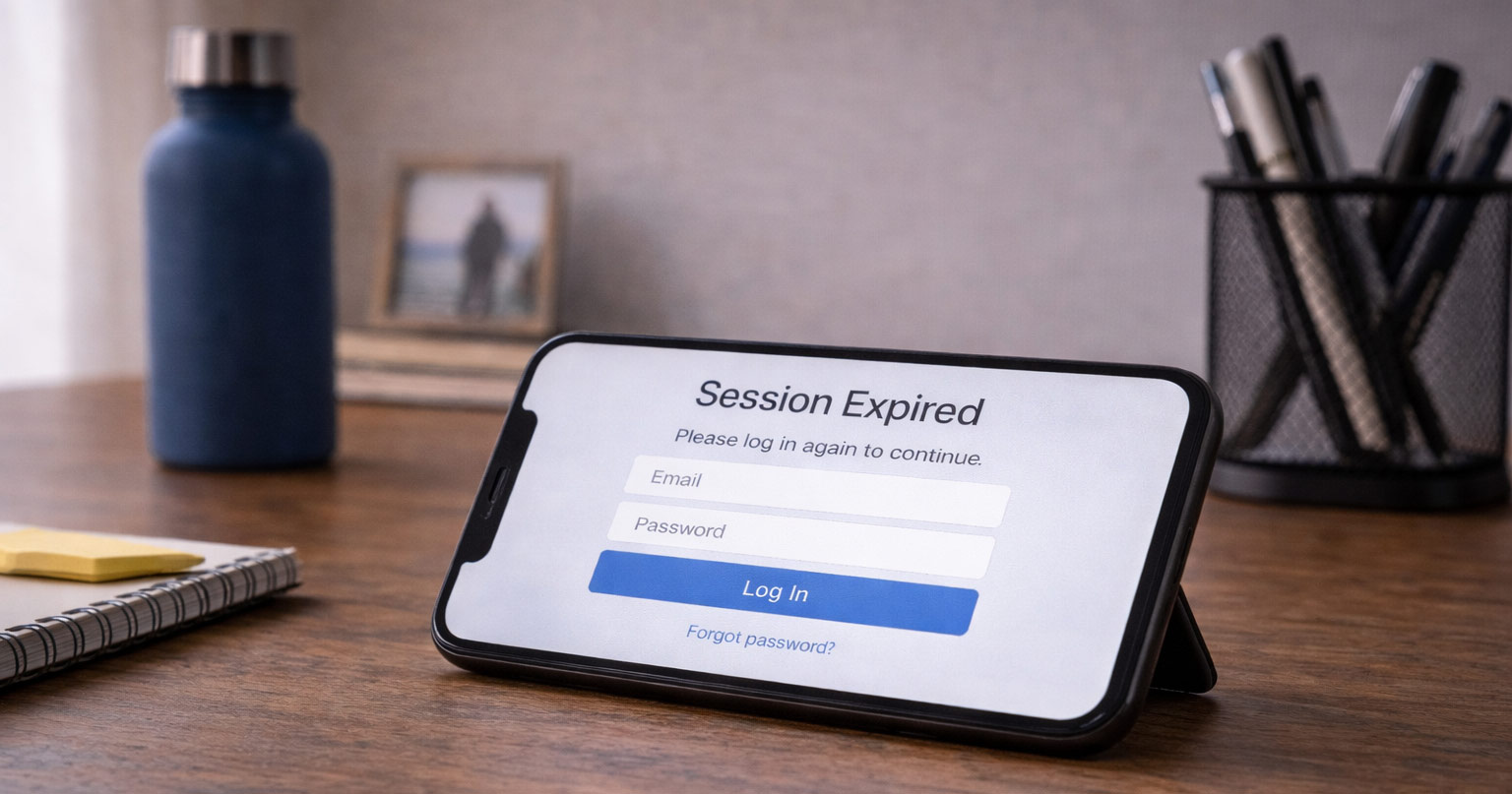
If an app keeps logging you out every few minutes, it can get old fast.
You log in, it works for a bit, and then you get dumped right back to the login screen. There’s your gremlin.
This guide is for the general problem: an app logs you out repeatedly, forgets your session, or sends you back to the login screen after you already signed in.
In other words, this is for people who can usually log in, but cannot stay logged in.
That is different from being fully locked out of your account, not receiving a verification code, or having one specific iPhone setting causing trouble. Those problems can overlap, but they are not always the same thing.
At that point, most people start wondering whether they got hacked, broke something, or triggered some kind of account problem.
Most of the time, none of that is true.
Apps usually log users out because of expired sessions, corrupted app data, connection issues, or automatic security triggers — not because your account is banned or broken for good.
Let’s walk through what’s actually happening, how to tell which kind of logout problem you have, and how to stop it.
Why This Is Happening
First, Figure Out Which Logout Problem You Have
Before you start changing settings, it helps to identify what kind of logout issue you are dealing with.
If one app keeps logging you out, but everything else works normally, the problem is probably that app’s saved data, session token, update, or server connection.
If several unrelated apps keep logging you out, the problem is more likely your device, storage, VPN, network, date and time settings, or account security behavior.
If this only happens on an iPhone, the cause may be iOS-specific, especially Background App Refresh, Low Power Mode, Offload Unused Apps, Safari privacy settings, iCloud Private Relay, or Keychain behavior. In that case, the more focused guide on why apps keep logging you out on iPhone is the better next stop.
If you can log in but keep getting kicked back out, stay on this page.
If you cannot finish logging in because the code never arrives, that is usually a verification code problem, not a normal logout problem.
If you see a message about suspicious activity, your account may be temporarily locked instead of simply logged out.
That little distinction matters. Otherwise, you end up fixing the wrong gremlin.
That word “session” is important. You are not logging in from scratch every second you use an app. The app stores proof that you already signed in. When that proof expires, gets damaged, gets blocked, or no longer matches what the server expects, the app sends you back to the login screen.
That is why this problem can feel random even when it is not.
Why Apps Log You Out Automatically
When you log into an app, it creates something called a session token.
Think of it like a temporary pass that says, “This person is authenticated.”
If that pass:
- Expires
- Gets corrupted
- Fails to validate
- Triggers a security check
…the app logs you out.
It’s not personal. It’s just how app security is designed.
The trick is figuring out why your session keeps failing.
Logged Out vs. Locked Out: Know the Difference
These two problems look similar, but they are not the same.
If you are logged out, you can usually sign back in. The app may forget you later, but your account still works.
If you are locked out, the app blocks access even when your password is correct. You may see messages about suspicious activity, unusual login attempts, identity verification, or account protection.
That difference changes the fix.
For a normal logout problem, focus on the app, device, network, cache, VPN, and session settings.
For a lockout problem, focus on account recovery, security alerts, verification codes, and identity confirmation.
If the app will not let you back in at all, do not keep retrying forever. At that point, the goal is not to stay logged in — it is to recover your account safely.
So if the app simply keeps forgetting you, continue below.
If it says your account is locked, temporarily restricted, or flagged for suspicious activity, treat that as an account security issue instead.
The Most Common Reasons an App Keeps Logging You Out (And What to Do)
1. The Login Session Expired (Most Common)
Some apps are strict about session timeouts.
You may be logged out if:
- You haven’t used the app in a while
- You changed your password
- You logged in on another device
- The app updated in the background
- The company recently changed its login system
- You cleared cookies, app data, or browser data
Banking apps, shopping apps, email apps, and social media apps are especially aggressive about this.
Annoying? Yes. Normal? Also yes.
What to do:
Log in once and give it a few minutes. Close the app, reopen it, then check again later.
If it holds, it was likely just a session refresh.
If it logs you out again immediately, the problem is probably not a normal timeout. Move on to app data, VPN, network, or account security checks.
2. Corrupted App Data
Sometimes the app’s saved data gets messy.
When that happens:
- Login doesn’t “stick”
- You get logged out immediately
- The app crashes
- Settings don’t save
- The app acts like every launch is the first launch
This is very common after updates, and in some cases the same corrupted data can also make the app crash immediately after opening.
Fix it on iPhone:
- Delete the app
- Restart your iPhone
- Reinstall the app
- Log in again
Fix it on Android:
- Go to Settings → Apps
- Select the app
- Tap Storage
- Clear Cache first
- Reopen the app and test
- If needed, go back and Clear Data
Clear Cache is the softer fix. Clear Data is the stronger fix.
Yes, it’s basic. Yes, it works more often than people expect.
3. The App Needs an Update
Apps quietly stop supporting older versions.
If your version is outdated, the login system may fail silently.
Symptoms:
- Endless login loops
- Repeated verification prompts
- Random logouts
If those repeated prompts turn into codes that fail or never work correctly, the issue may be closer to two-factor authentication not working than a simple session problem.
Fix:
Update the app
Restart your device afterward
A simple update fixes a surprising number of logout issues.
4. Your Internet Connection Is Unstable
If your Wi-Fi drops for even a few seconds:
- The app may lose session validation
- You get kicked back to login
This happens a lot on weak home Wi-Fi.
Try this:
- Restart your router
- Switch to mobile data temporarily
- Move closer to the router
If it stops on mobile data, your Wi-Fi was the issue.
If other apps also fail to update on that same Wi-Fi (email is a classic one), this isn’t a this-app-is-broken problem. It’s your connection. See: Gmail not syncing on phone? Fix It
5. You’re Using a VPN
VPNs change your IP address.
Some apps interpret sudden IP changes as suspicious activity.
Result? You get logged out.
This is especially common with:
- Banking apps
- Social media
- Email platforms
Test it:
Turn off the VPN
Log in again
See if the issue stops
If it does, that’s your answer.
6. Cookies or Web Login Data Are Not Saving Correctly
Some apps do not handle login entirely inside the app. They send you through a web-based sign-in screen, especially if you use:
- Sign in with Google
- Sign in with Apple
- Sign in with Facebook
- A company login portal
- A browser-based verification page
If that web session does not save correctly, the app may act like you never logged in.
This can happen when:
- Browser cookies are blocked
- Old login cookies are corrupted
- Privacy settings interfere with the sign-in handoff
- The app and browser are not passing the session back correctly
Fix it:
- Clear the app’s cache or reinstall it
- Clear browser cookies only for that service if possible
- Try signing in from the app’s website
- Try a different browser if the app uses a web login
- Disable aggressive privacy extensions or content blockers temporarily
This is especially common when the login screen looks like a small website inside the app.
7. You’re Logged In on Too Many Devices
Some apps limit active sessions.
If you log in on:
- Your phone
- A tablet
- A web browser
- A second phone
…the app may log you out elsewhere.
Fix:
Log out everywhere
Log back in only on your main device
Simple reset. Clean slate.
8. Security Trigger
If the app detects:
- Login from a new location
- Too many failed attempts
- Rapid activity
- Suspicious behavior
- A sudden IP address change
- A password reset followed by several login attempts
…it may log you out automatically.
This is designed to protect you, and in more aggressive cases it can turn into an account temporarily locked due to suspicious activity warning.
Check:
- Your email for security alerts
- Any “Confirm it’s you” messages
- Recent password reset emails
- Login history, if the app provides it
- Devices currently signed in to your account
If the app starts asking for codes you can’t access, you may need to recover your account without a verification code before the login loop stops.
If prompted, verify your identity and change your password.
Do not keep hammering the login button over and over. That can make the system trust you less, which is the opposite of what we’re trying to do here.
9. Your Device Date & Time Is Wrong
This sounds random, but it happens.
If your phone’s date or time is off, session validation can fail.
Apps rely on accurate timestamps.
Fix:
Set date and time to automatic
Restart your device
Signs This Is a Session Problem
If this is happening to you, it usually looks like one of these:
- You log in successfully, then get signed out minutes later
- The app asks you to log in every time you open it
- You enter your password, and it loops back to the login screen
- You get randomly signed out without warning
- The app works fine on one device but logs you out on another
- You stay logged in on Wi-Fi but get logged out on mobile data, or vice versa
- The app works on the website but not in the mobile app
- Logging out everywhere and logging back in temporarily fixes it
If you’re seeing these signs, you’re probably dealing with a session or authentication issue — not a random glitch.
That is good news, because session problems usually have a cause you can isolate.
What the Pattern Tells You
The pattern usually points to the cause.
If it happens only on Wi-Fi, suspect the network, router, DNS, VPN, or content filtering.
If it happens only on mobile data, suspect carrier routing, VPN, Private Relay, or account security checks.
If it happens only after closing the app, suspect background refresh, storage cleanup, or corrupted app data.
If it happens on every device, suspect the account itself, a password change, a security flag, or the app’s servers.
If it happens after an update, suspect a bad app version or broken saved data.
That is how you stop guessing and start narrowing.
When It Might Be Something More Serious
It’s more concerning if:
- You can’t log in on any device
- Password resets don’t work
- You receive suspension notices
- You see “account disabled” messages
- Your recovery email or phone number was changed
- You see login alerts from places you do not recognize
- The app says your account was locked for suspicious activity
In that case, stop treating it like a normal logout issue.
Go directly through the app’s official recovery process, check your email for security notices, and change your password if you still have access.
If you cannot receive the code, cannot access the old phone number, or no longer have the original device, you may need to start the official account recovery process instead of repeatedly trying to log in.
Avoid third-party “account recovery” services. They often make things worse.
And if your account is asking for a code that never arrives, fix the verification code problem first. You can’t solve a login loop if the front door never opens.
What Not to Do
Don’t:
- Enter your password 20 times in a row
- Create a new account immediately
- Download sketchy “fix” apps
- Ignore security warnings
Repeated failed attempts can trigger additional restrictions.
Take a breath. Work through it step-by-step.
How to Fix It
Quick Fix Checklist (Try This First)
If an app keeps logging you out, run through this quick checklist before diving deeper:
- Restart your phone or device
- Make sure your internet connection is stable
- Turn off any VPN and try again
- Update the app to the latest version
- Log out manually, then log back in
- Clear the app cache on Android or reinstall the app on iPhone
- Check if the app’s servers are down
- Make sure your device date and time are set automatically
- Try logging in on another device or the app’s website
- Check your email for security alerts from the app
A lot of login loop issues clear up pretty quickly if you work through those steps in order.
The key is to test one change at a time. If you turn off the VPN, reinstall the app, reset your password, and switch networks all at once, you may fix the problem without knowing what actually caused it. That makes it easier for the gremlin to come back later.
Fix an App That Keeps Logging You Out (Step-by-Step)
If the quick checklist did not solve it, here’s how to work through the most common causes one by one. Start with the simplest fixes first, then move down the list until the app finally quits being difficult.
Step-By-Step Fix (Do These in Order)
These fixes are based on the most common causes of login session failures across iPhone, Android, and web apps.
Work through this calmly:
- Restart your device
Test: This clears temporary app and network glitches. - Check your internet connection
Test: Switch between Wi-Fi and mobile data if possible. If the app stays logged in on one connection but not the other, the network is part of the problem. - Turn off VPN temporarily
Test: A changing IP address can make some apps distrust the session. - Update the app
Test: Old app versions can fail when the company updates its login system. - Clear cache or reinstall
Test: On Android, clear cache first. On iPhone, reinstalling the app is usually the cleanest reset. - Log out of other devices
Test: Too many sessions can cause some apps to kick one device out. - Check for security emails
Test: Look for messages about new logins, suspicious activity, password changes, or account verification. - Try the website version
Test: If the website keeps you logged in but the app does not, the issue is probably local to the app or device.
Most logout loops are resolved somewhere in that list.
Don’t start with the most dramatic fix when a simple session reset may do the job.
Frequently Asked Questions
Why does my app keep logging me out randomly?
This usually happens when your login session expires, the app loses connection to its servers, saved app data gets corrupted, or a security system flags your activity as unusual.
Why does my app keep logging me out on iPhone?
If this is happening specifically on an Apple device, see our guide on why apps keep logging you out on iPhone for iPhone-focused causes and fixes. On iPhone, repeated logouts are often tied to Background App Refresh, Low Power Mode, Offload Unused Apps, Safari privacy settings, iCloud Private Relay, VPN behavior, or Keychain/session storage.
Why does my app keep logging me out on Android?
On Android, repeated logouts are often caused by corrupted cache, restricted background data, battery optimization, outdated app versions, VPN conflicts, or Google account authentication issues.
Can a VPN cause apps to log me out?
Yes. VPNs change your IP address, which can trigger security systems and cause apps to log you out repeatedly. Banking apps, email apps, social apps, and shopping apps are especially sensitive to this.
Why does my app log me out every time I close it?
This often means the app isn’t saving your session properly. That can be caused by corrupted app data, restricted background activity, storage cleanup, browser cookie issues, or a broken app update.
Why do multiple apps keep logging me out at the same time?
If several unrelated apps keep logging you out, look beyond one app. Check device storage, VPN, network settings, date and time, battery restrictions, privacy tools, and whether you recently changed passwords or restored your phone.
Final Thoughts
If an app keeps logging you out, the cause is almost always technical — not personal.
Usually it’s:
- A stale or expired session
- Corrupted app data
- Unstable internet
- VPN interference
- A security check
- Too many active devices
- A background refresh or storage problem
It feels dramatic. It usually isn’t.
Start with the basics. Restart. Update. Check your connection. Disable VPN. Clear the app data or reinstall if needed.
Most of the time, once you reset the session properly, it stays fixed.
And no — you probably weren’t hacked.
The real trick is knowing whether you are dealing with a normal logout, a verification problem, or an account lock. Once you separate those three, the fix gets a lot easier.
There it is.