Windows Taskbar Not Working — How to Fix It

You click Start. Nothing happens.Right-click does nothing.The clock freezes like it’s doing you a favor.Maybe the icons vanish. Maybe the whole bar is just… gone. This isn’t “Windows being moody.” It’s usually one specific component failing, crashing, or getting blocked.This is fixable.We diagnose logically, then fix it. One change at a time. Why This Is … Read more

Windows 11 Freezing Randomly? Fix It

You’re in the middle of something normal.A browser tab changes.A window moves.Nothing crazy. Then Windows 11 just… stops. Mouse still moves (sometimes). Audio keeps going (sometimes). The screen stares back like it’s thinking about it. Then it catches up all at once, or you hard-restart like it’s 2009. This is fixable.We troubleshoot in order: figure … Read more

Laptop Screen Flickering? Fix It

You open the laptop. The screen starts doing that little “strobe light” thing like it’s auditioning for a nightclub. Sometimes it flickers only on battery. Sometimes only when you move the lid. Sometimes it’s random enough to make you question reality. This is fixable. We’re not guessing. We figure out why it’s happening, then fix … Read more

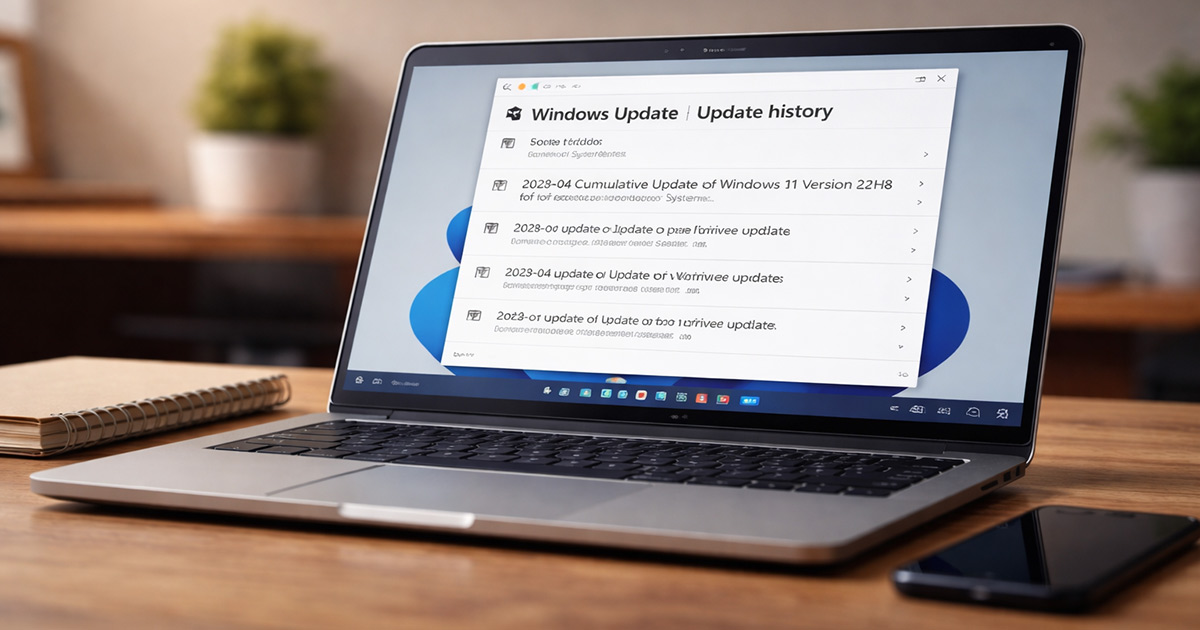
Windows Update Broke My Computer? How to Fix It

You install a Windows update. It restarts. And suddenly your computer is slower… freezing… Wi-Fi is gone… or something just feels off. This shouldn’t be happening. Updates are supposed to improve things. But here we are. If a Windows update “broke” your computer, there’s a reason. It’s almost never random. And it’s usually fixable without … Read more

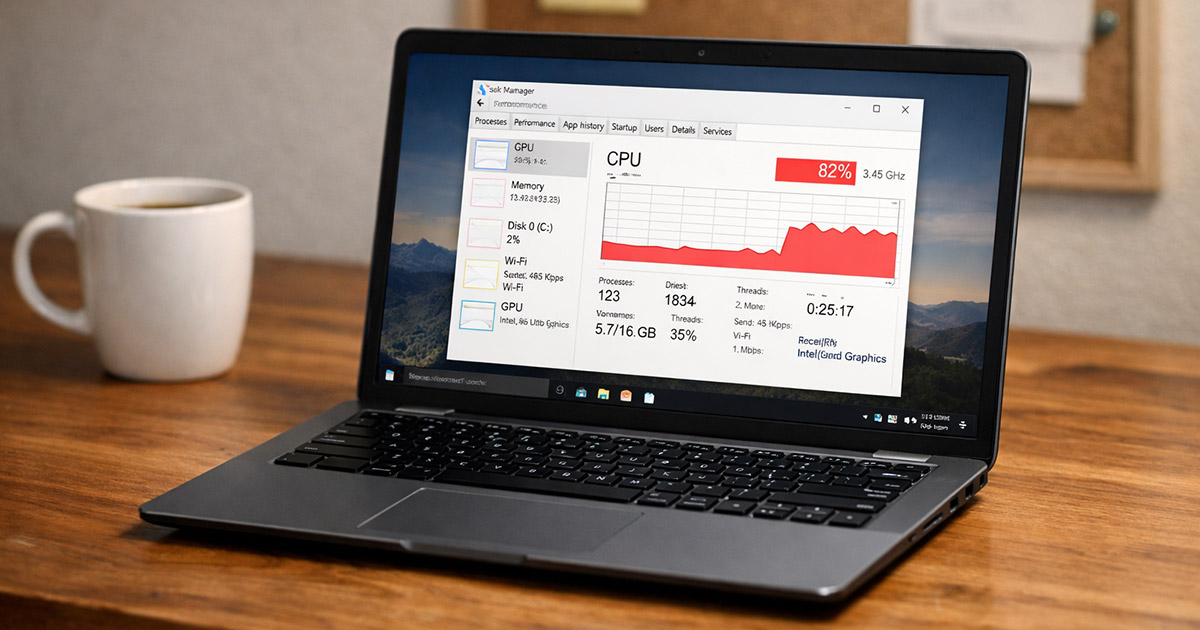
High CPU Usage After Windows Update? Fix It

You install a Windows update. It finishes. You reboot. Everything looks normal. Then the fans spin up like a small jet engine and your laptop suddenly feels like it’s running a 4K video render… while doing absolutely nothing. Task Manager says CPU usage is 60%, 80%, sometimes 100%. This shouldn’t be happening — but these … Read more

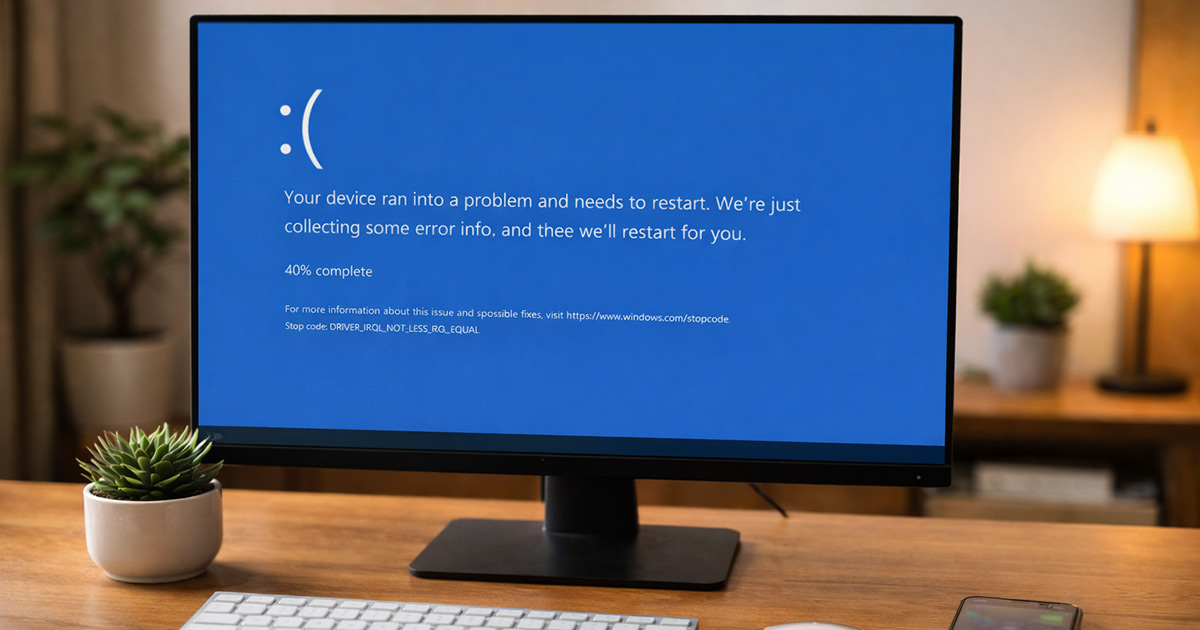
BSOD After Windows Update? How to Fix It

You install a Windows update. It restarts. Then instead of your desktop… blue screen. Sad face. Error code. Restart loop. That’s not random. And it’s not your computer “just dying” or another case of windows update broke my computer happening out of nowhere. A BSOD after a Windows update usually means the update changed something … Read more

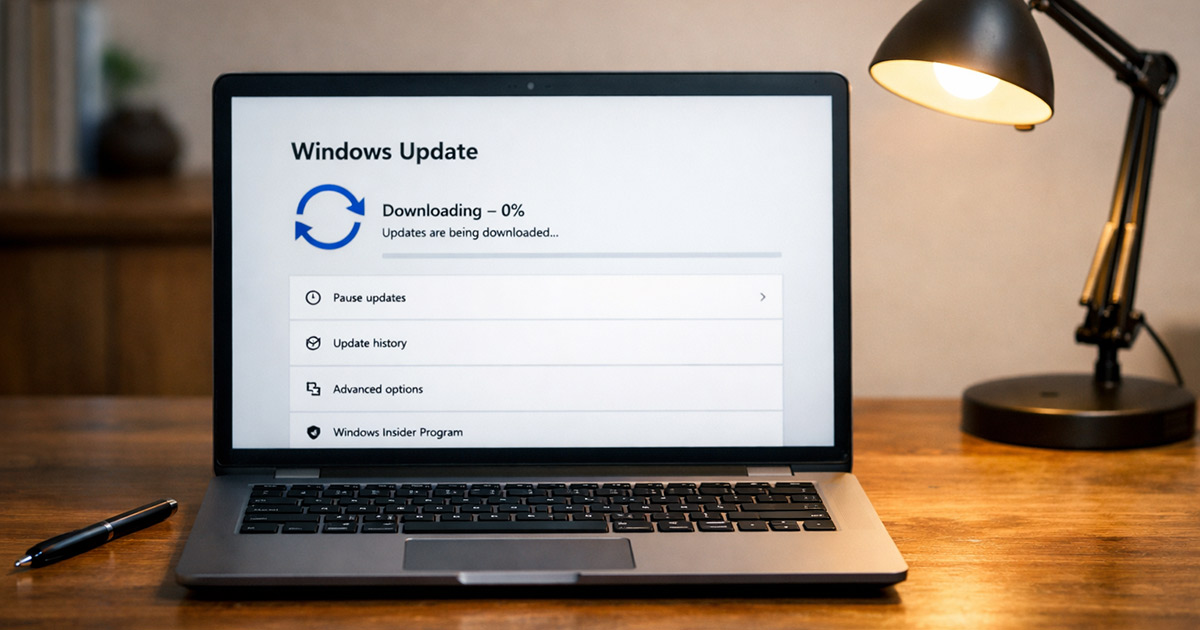
Windows Update Stuck at 0% or 100%? Fix It

Windows Update should be boring. You click “Check for updates,” it downloads, installs, restarts, done. Instead, it freezes at 0% like it forgot how math works. Or worse, it crawls to 100% and just… stays there. No error. No explanation. Just sitting. This is fixable. And no, you don’t need to reinstall Windows — this … Read more

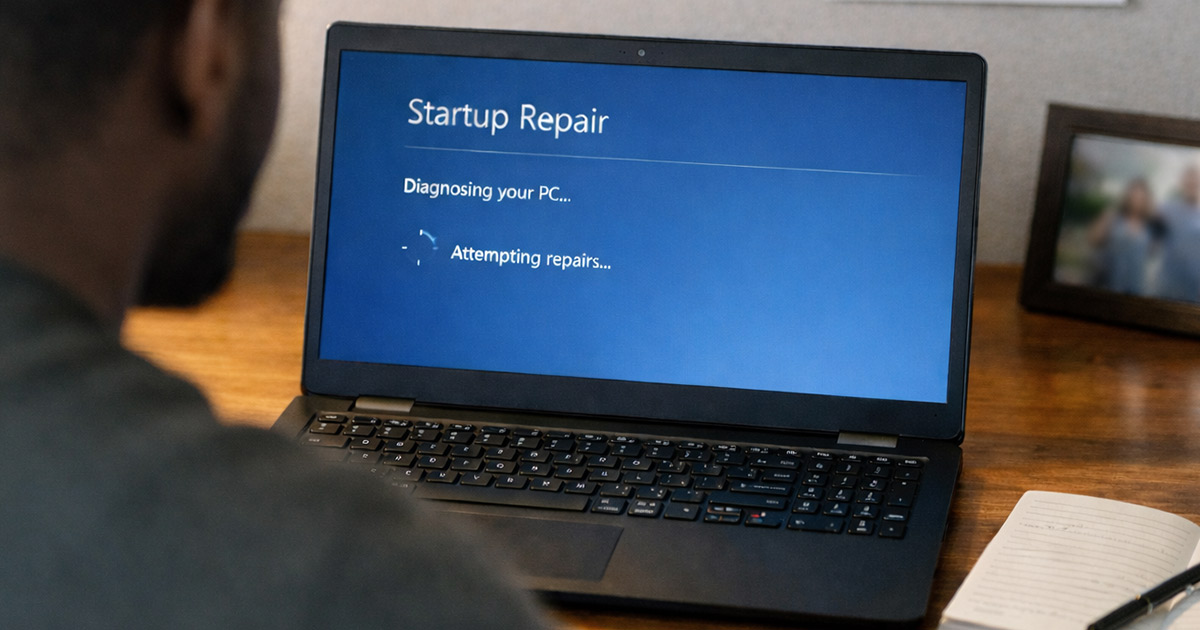
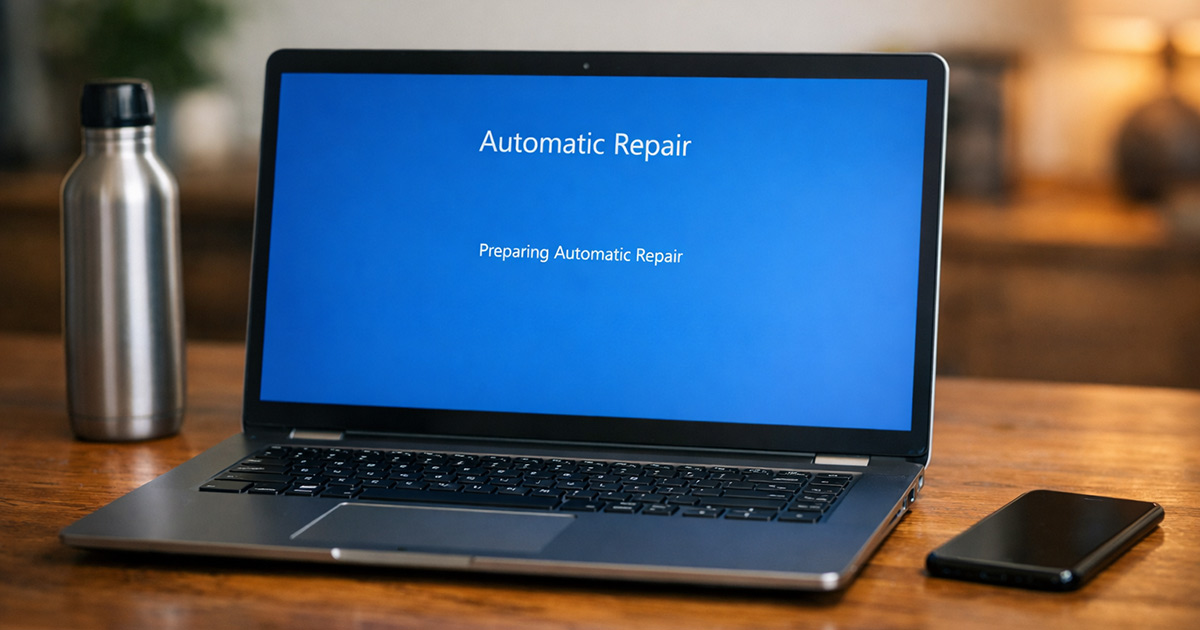
Windows Stuck on Preparing Automatic Repair? Fix It

You installed a Windows update. Now your PC boots… shows “Preparing Automatic Repair”… spins… restarts… and does it all over again. No desktop. No login screen. Just the same loop. This usually looks worse than it is. Windows isn’t randomly broken — even when it feels like windows update broke my computer during reboot. Something … Read more

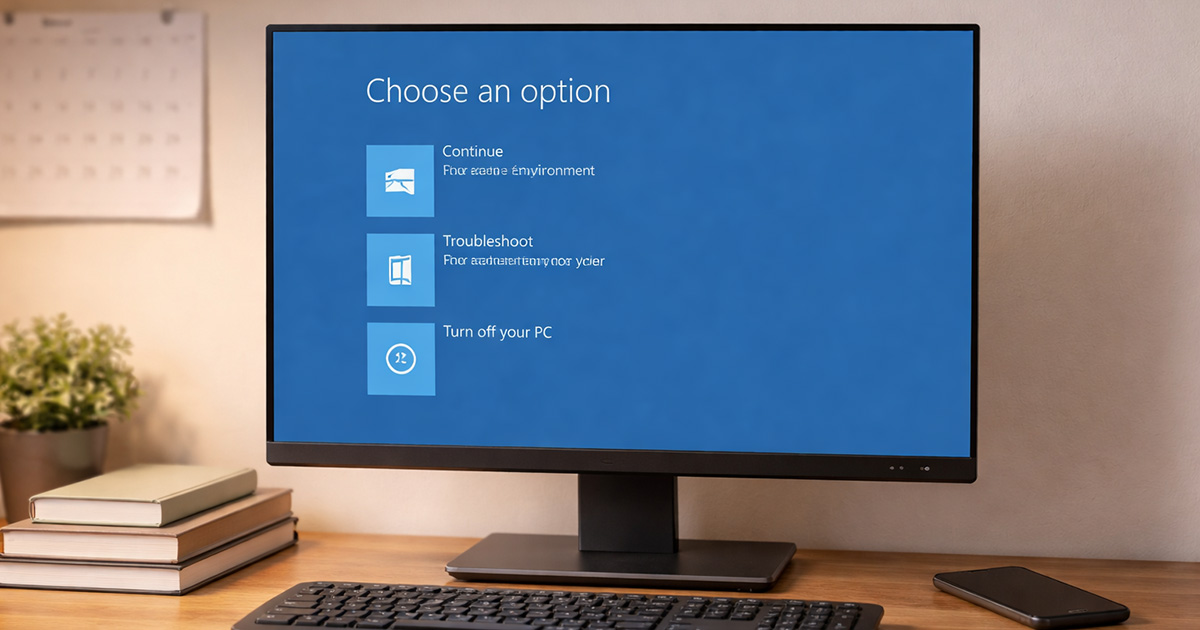
Windows Won’t Boot After Update? Fix It

Windows was working fine. Then it installed an update. Now it won’t boot. Black screen. Spinning dots. Automatic Repair loop. Maybe a blue screen. Maybe nothing at all. This is one of those problems that feels catastrophic — the classic “windows update broke my computer” panic moment. It usually isn’t. Most post-update boot failures come … Read more