
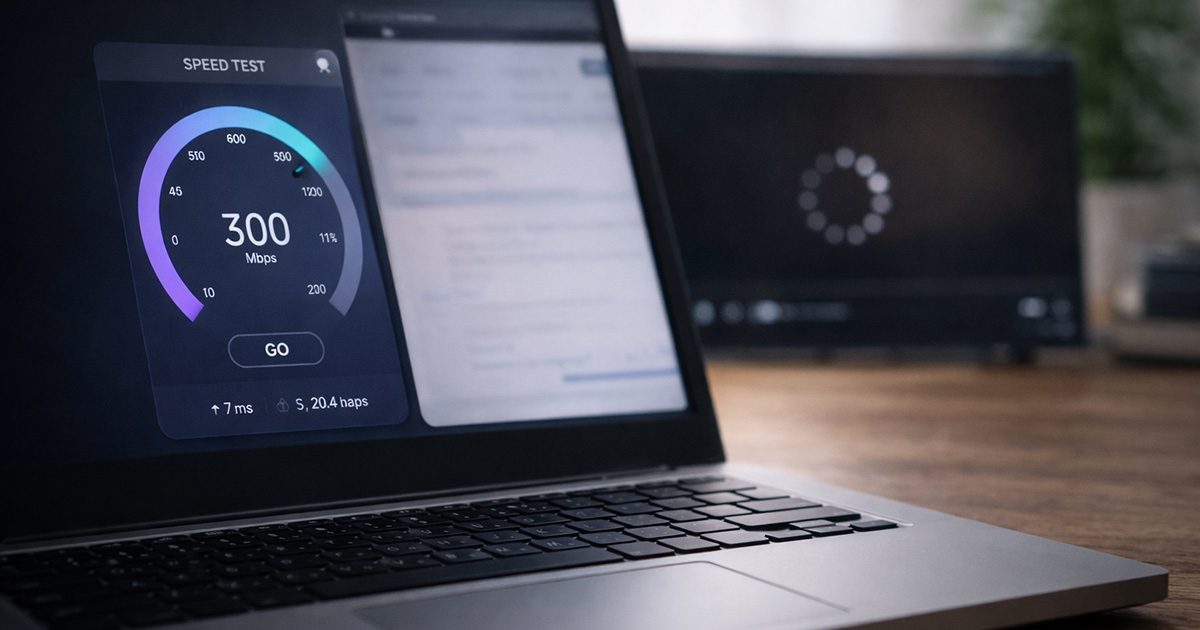
You run a speed test.
It says 400 Mbps.
Maybe 600.
Maybe even higher.
So why does:
- Netflix buffer?
- YouTube drop to 480p?
- Zoom freeze mid-sentence?
- Your game lag at the worst possible moment?
It feels like the internet is gaslighting you.
Here’s the truth:
High speed does not automatically mean smooth performance.
Speed tests measure raw download potential.
Streaming and real-time apps depend on stability.
And stability is a different beast entirely.
Let’s unpack what’s actually going on.
First: Speed and Stability Are Not the Same Thing
A speed test answers one question:
“How fast can data move right now under ideal conditions?”
Streaming asks a different question:
“Can data arrive consistently, without interruption, second after second?”
You can have:
- 500 Mbps download speed
- But unstable Wi-Fi
- High latency
- Packet loss
- Upload congestion
And everything will still buffer.
Think of it like this:
You can own a Ferrari.
If the road is cracked and uneven, the ride is still rough.
Fast doesn’t mean smooth.
The Real Reasons This Happens
1. Latency Spikes (The Hidden Problem)
Speed tests focus on download speed.
They don’t tell you if your connection is stable.
If your latency (ping) jumps around:
- Streaming pauses
- Video calls stutter
- Gaming feels delayed
- Pages hesitate before loading
Even if your speed says 600 Mbps.
Latency spikes are usually caused by:
- ISP congestion
- Router overload
- Wi-Fi interference
- Heavy background uploads
Stability matters more than raw speed.
2. Weak or Fluctuating Wi-Fi Signal
This is extremely common.
You might be paying for fast internet.
But if your Wi-Fi signal is weak in your living room, your speed test (run near the router) doesn’t reflect reality.
When Wi-Fi fluctuates:
- Data packets get resent
- Apps pause
- Buffering starts
You might see:
- Works fine near the router
- Worse in bedrooms
- Random buffering that “comes and goes”
That’s signal instability.
Quick test:
Stand next to the router and test again.
Or plug directly into Ethernet.
If buffering disappears, your internet isn’t the problem — your Wi-Fi is.
3. Upload Congestion (The Sneaky Bandwidth Killer)
Most people forget about upload speed.
But if someone in your house is:
- Backing up photos
- Uploading files
- On a video call
- Live streaming
- Running cloud sync
Your upload bandwidth can max out.
When upload is saturated, downloads stall.
Result?
Buffering.
Even with 500 Mbps download.
This is one of the most misunderstood causes of “fast but slow.”
4. Your Router Is Quietly Struggling
Modern homes are brutal on routers.
Look around:
- Smart TVs
- Consoles
- Cameras
- Smart speakers
- Phones
- Tablets
- Laptops
- Doorbells
- Thermostats
Older routers were not built for this device density.
Speed tests look fine when only one device is active.
But when the whole house wakes up, performance collapses.
It’s not your speed plan.
It’s capacity strain.
If your router is 4–6+ years old, this becomes more likely.
5. DNS Delays (The “Why Does It Take So Long to Start?” Issue)
DNS translates website names into IP addresses.
If DNS is slow:
- Streaming apps hesitate before starting
- Pages pause before loading
- It feels like buffering at the beginning
Your speed test won’t show this clearly.
Switching to public DNS can help:
- Google DNS: 8.8.8.8
- Cloudflare DNS: 1.1.1.1
It’s a small change — but it often smooths things out.
6. ISP Routing Problems
Sometimes the issue isn’t in your house at all.
You may notice:
- Netflix buffers but speed test is fine
- YouTube struggles but downloads are fast
- Gaming lags at night but not in the morning
That can be routing congestion between your ISP and specific services.
Your speed test server might be local and fast.
Streaming servers might not be.
That mismatch creates confusion.
7. Peak Hour Congestion
Even if you pay for fast internet, neighborhood infrastructure is shared.
During peak evening hours:
- Latency increases
- Congestion rises
- Streaming performance dips
Speed tests may still look decent — but real-time performance suffers.
It’s frustrating. It’s also common.
Step-By-Step Fix (Calm and Practical)
Work through this methodically:
✔ Restart modem and router
✔ Test with Ethernet
✔ Move closer to the router
✔ Reduce background uploads
✔ Check how many devices are active
✔ Update router firmware
✔ Switch DNS servers
✔ Test at different times of day
Don’t change everything at once.
Change one variable. Test. Repeat.
That’s how you isolate the real cause.
When It’s Time to Upgrade
You may need a new router if:
- It’s 5+ years old
- It overheats
- Reboots temporarily fix buffering
- Multiple devices overwhelm it
Wi-Fi technology has improved dramatically.
Sometimes upgrading makes buffering disappear instantly — not because your internet was slow, but because your router was tired.
Routers don’t last forever.
The Most Important Takeaway
If your internet speed is fast but everything buffers, the problem is almost never “you need more Mbps.”
It’s usually:
- Instability
- Latency
- Upload congestion
- Wi-Fi weakness
- Router limitations
Speed is just the headline number.
Stability is what actually makes the internet feel fast.
Final Thoughts
When your speed test says everything is fine but streaming keeps buffering, it’s not your imagination.
It’s not that the speed test is lying.
It’s that it’s only telling part of the story.
Fast internet with unstable delivery still feels slow.
Start with Wi-Fi stability.
Check upload usage.
Evaluate your router.
Look at peak-hour patterns.
Most of the time, the issue lives inside your home network — not in your subscription plan.
And no, you probably don’t need a gigabit plan.
You need consistency.
If you’re troubleshooting other internet or Wi-Fi issues, explore the related guides on FixTechProblem.com for clear, step-by-step fixes.