
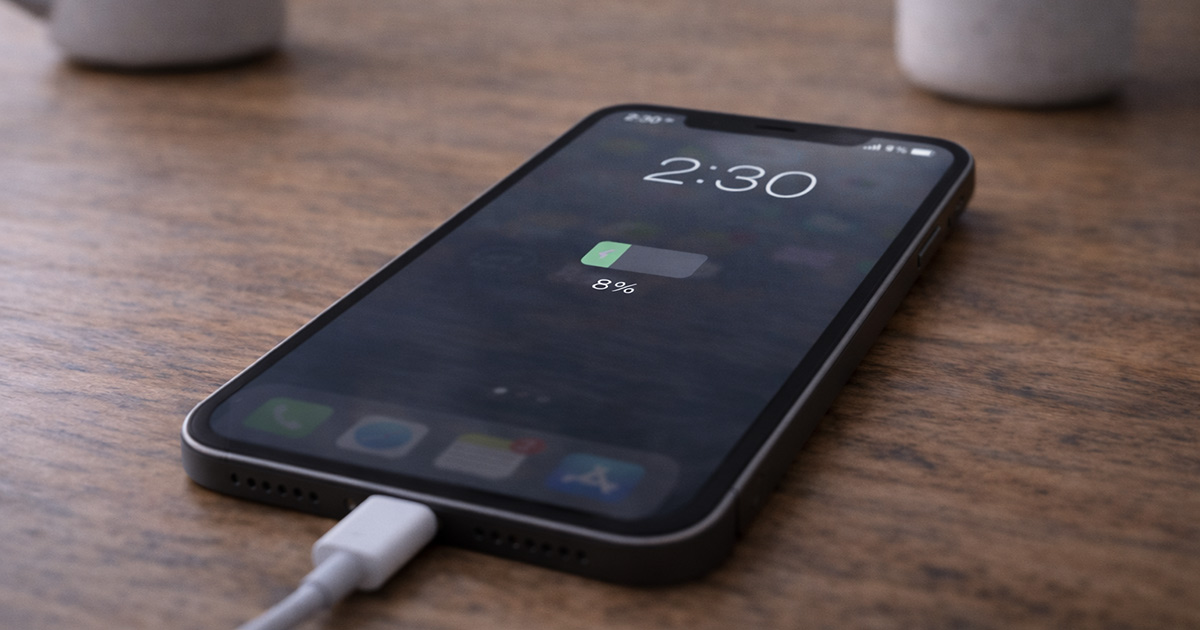
Yesterday your phone charged fine.
Today?
You plug it in.
An hour later… 28%.
Now you’re watching the battery percentage like it’s a stock ticker.
Before you assume the battery is dying, slow charging is usually caused by something very specific — and very fixable.
Let’s break it down calmly.
First: Slow Charging Is Usually Not a Battery Failure
If your battery were failing, you’d more likely see:
- Sudden percentage drops
- Random shutdowns
- Rapid drain
Slow charging is almost always a power delivery issue.
That means:
- Cable
- Charger
- Port
- Software
- Or background load
Not the battery itself.
Good news.
The Most Common Reasons Phones Start Charging Slowly
1. Charging Cable Damage (Most Common)
Cables wear out. Quietly.
Even if they look fine, internal wires can degrade.
Signs:
- You have to wiggle it to charge
- Charging speed varies randomly
- It charges fast with another cable
This is the #1 cause.
And it’s boringly simple.
Fix:
Try a different certified cable. Preferably a newer one.
You’d be surprised how often this solves it immediately.
2. Weak or Underpowered Charger
Not all chargers are equal.
Some older adapters output:
- 5W
- 10W
Modern phones expect:
- 18W
- 20W
- 30W+ (depending on model)
If you switched outlets or grabbed a random charger, that may be the entire issue.
Fix:
Use the original charger or a certified fast-charging adapter.
Fast charging requires both:
- A compatible adapter
- A compatible cable
It’s a team effort.
3. Charging Port Dust or Lint
This one is sneaky.
Pocket lint builds up slowly inside the charging port.
It compresses.
Eventually the cable doesn’t sit fully inside.
The phone still charges — just very slowly.
Check this carefully.
Use a flashlight and look inside.
If you see packed lint, gently clean it using a wooden toothpick or plastic tool.
Do not use metal.
I’ve seen phones go from “barely charging” to normal speed in two minutes after cleaning the port.
It’s that common.
4. Phone Is Too Warm
Phones slow charging when temperatures rise.
If your phone is:
- In direct sunlight
- In a case that traps heat
- Running heavy apps
- Gaming while charging
…it may intentionally reduce charging speed to protect the battery.
This is normal behavior.
Fix:
Remove the case temporarily.
Stop heavy apps.
Let it cool slightly.
Fast charging only works efficiently at safe temperatures.
5. Background Apps Using Power While Charging
If your phone is:
- Updating apps
- Backing up photos
- Syncing cloud data
- Running heavy apps
It may be charging — but also consuming power at the same time.
That makes charging appear slower.
Open battery usage settings and check active apps.
Charging is fastest when the phone is idle.
6. Software Update Behavior
After system updates, phones sometimes:
- Re-index files
- Rebuild app data
- Optimize storage
That background work uses CPU.
Which generates heat.
Which slows charging.
If slow charging started right after an update, give it 24–48 hours.
Most of the time, it stabilizes.
7. Battery Health Degradation
If your phone is several years old, battery health may have declined.
When battery health drops:
- Charging speed may reduce
- Peak charging performance may change
On iPhone:
Settings → Battery → Battery Health
On Android:
Check battery health via manufacturer tools or diagnostic apps.
This isn’t the most common cause — but it’s possible.
Step-By-Step Fix (Keep It Simple)
Work through this calmly:
✔ Try a different cable
✔ Try a different charger
✔ Clean the charging port
✔ Remove the case
✔ Stop heavy background apps
✔ Restart the phone
✔ Update system software
Change one thing at a time.
You’re isolating the cause — not guessing.
When It’s Actually Hardware Damage
Consider professional repair if:
- Phone won’t fast charge at all
- Charging disconnects repeatedly
- Port feels loose
- You see corrosion inside the port
That’s when the charging port itself may be damaged.
But that’s less common than cable issues.
Final Thoughts
If your phone starts charging slowly all of a sudden, it’s rarely catastrophic.
It’s usually:
- A tired cable
- A weak charger
- Dust in the port
- Heat
- Or background activity
Start with the cable and port. Those two fix a huge percentage of cases.
And no — your battery probably isn’t dying overnight.
It’s usually something much simpler.
Phones are sensitive to power delivery. Small interruptions equal slower charging.
Fix the small thing, and speed usually returns.
If you’re troubleshooting other phone battery or performance issues, explore the related guides on FixTechProblem.com for clear, step-by-step solutions.