
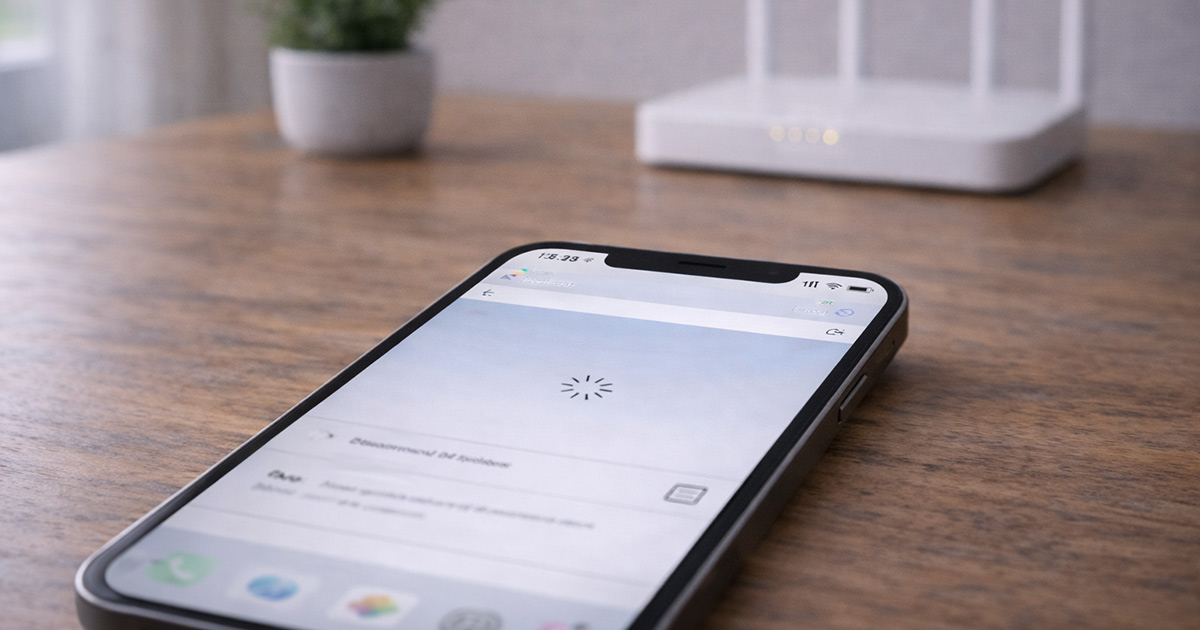
You’re scrolling. Or on a call. Or mid-download.
And then…
Wi-Fi drops.
Reconnect.
It works.
Drops again.
Now you’re watching the Wi-Fi symbol like it’s about to betray you a second time.
This feels random. It isn’t.
When a phone keeps disconnecting from Wi-Fi, there’s almost always a clear trigger. The trick is figuring out whether the issue lives in the phone, the router, or the space between them.
We’ll narrow it down properly.
First: Is It Just Your Phone?
Before you change settings, do something simple.
Check another device.
- If your laptop, TV, or tablet also disconnect → it’s your router or ISP.
- If only your phone disconnects → we focus on the phone.
That one test eliminates half the possibilities immediately.
No guessing. Just isolating.
The Most Common Reasons This Happens
1. Weak or Fluctuating Signal (Most Common)
Wi-Fi doesn’t usually fail dramatically.
It fades.
If you’re:
- At the edge of your home
- Upstairs
- Behind thick walls
- In a crowded apartment building
…the signal may dip just enough to disconnect briefly.
The phone reconnects automatically.
Then it dips again.
It feels chaotic. It’s actually predictable.
Quick test:
Stand right next to the router.
If the connection stabilizes instantly, you’ve found your culprit.
Fix:
- Move the router to a central location
- Elevate it
- Keep it out in the open
- Consider mesh Wi-Fi if coverage is weak
Stable signal beats high-speed signal every time.
2. Router Is Getting Tired
Routers run nonstop.
They don’t get vacations.
Over time, small errors build up. Heat builds up. Memory fills up.
Eventually the Wi-Fi radio starts dropping connections.
Clues:
- All devices disconnect at once
- Drops happen more in the evening
- Restarting the router fixes it — temporarily
That temporary fix is your hint.
Fix:
- Unplug modem and router
- Wait 60 seconds
- Plug modem in first
- Then router
Yes, it’s basic.
Yes, it fixes a lot.
3. Band Switching Between 2.4GHz and 5GHz
Modern routers broadcast two Wi-Fi bands.
If you’re near the edge of 5GHz coverage, your phone may bounce between bands.
Connect → switch → reconnect.
To you, it looks like Wi-Fi instability.
To the router, it’s just trying to maintain signal.
Fix:
- Separate the network names
- Connect manually to the stronger band
- Use 2.4GHz if you’re farther from the router
Consistency wins over speed here.
4. VPN or Security Apps Interfering
VPN apps are a common hidden cause.
If the connection blips even slightly, the VPN may:
- Reset
- Reconnect
- Force a network refresh
That refresh can look like Wi-Fi dropping.
Test:
Temporarily disable the VPN.
If the problem disappears, you’ve found it.
Same goes for aggressive firewall or security apps.
5. Wi-Fi Power Saving
Some phones reduce Wi-Fi performance to save battery.
If signal weakens during power-saving mode, disconnects can happen.
Try disabling:
- Low Power Mode (iPhone)
- Aggressive Wi-Fi power saving (Android advanced settings)
Test again.
Sometimes the phone is trying too hard to conserve energy.
6. Network Congestion
If this mostly happens at night, think about what’s happening in your home.
Streaming. Gaming. Cloud backups.
When upload bandwidth maxes out, connections can drop.
Phones are sensitive to that.
Pause heavy downloads and test again.
7. Software Glitch on the Phone
If everything else checks out, reset the phone’s network settings.
This clears:
- Saved Wi-Fi networks
- Bluetooth connections
- DNS settings
It sounds drastic. It’s not.
On iPhone:
Settings → General → Transfer or Reset → Reset Network Settings
On Android:
Settings → System → Reset → Reset Wi-Fi, Mobile & Bluetooth
This rebuilds the connection from scratch.
Step-By-Step Fix (In Order)
✔ Restart modem and router
✔ Restart phone
✔ Test next to the router
✔ Separate Wi-Fi bands
✔ Disable VPN temporarily
✔ Reset network settings
✔ Update phone software
Change one thing at a time.
Watch what changes.
That’s how you solve it without creating new variables.
When It Might Be Hardware
True Wi-Fi hardware failure is rare.
But consider it if:
- The phone can’t detect any networks
- Bluetooth also acts strange
- Disconnects happen even right next to the router
- Other phones work perfectly
Even then, test the phone on a different Wi-Fi network first.
Most cases are environmental.
Not internal damage.
Final Thoughts
If your phone keeps disconnecting from Wi-Fi, it’s not acting randomly.
It’s responding to instability.
Usually it’s:
- Weak signal
- Router hiccups
- Band switching
- VPN interference
- Or network congestion
Start with the simple fixes.
Move closer. Restart everything. Reduce load.
In most cases, the solution is smaller than it feels.
And no — your phone probably isn’t “bad at Wi-Fi.”
It just needs a steady signal.