
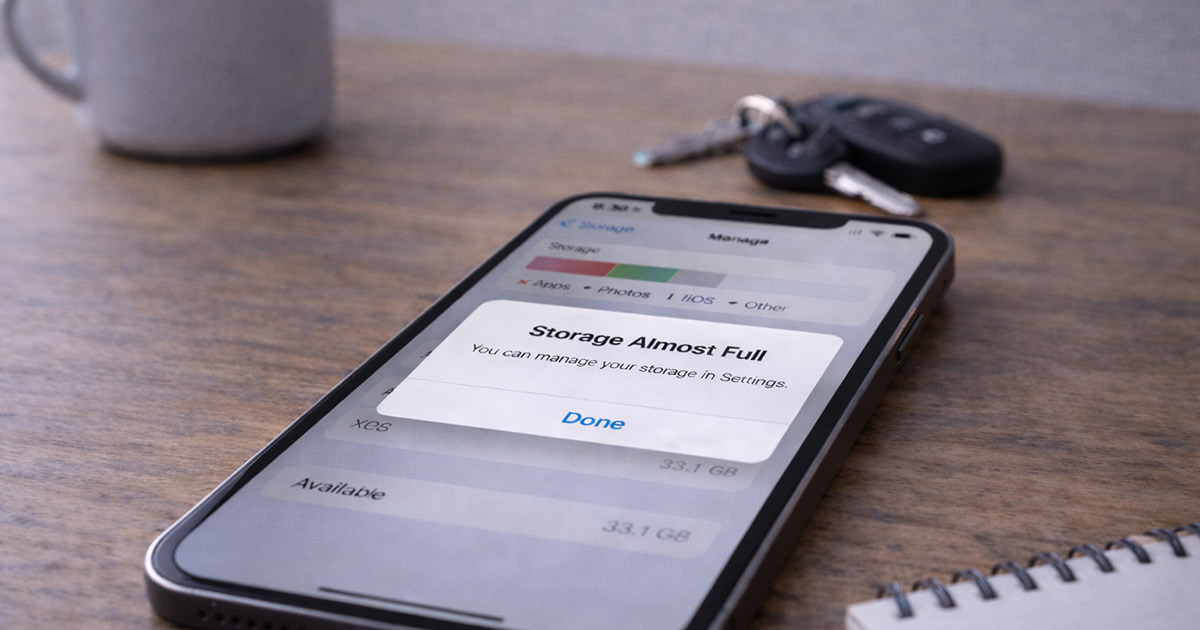
You open your phone.
It says: Storage Almost Full.
You check.
There’s barely anything on it. No giant videos. No huge apps. No 4K movie collection.
So why is your phone acting like it’s stuffed?
I’ll walk you through this calmly.
Because when a phone says storage is full but it “isn’t,” there’s always a reason. And it’s usually not what you think.
If your phone claims storage is full even though you don’t see large files, you’re probably dealing with one of these:
- System storage misreporting
- Cached data buildup
- “Other” or “System” storage expansion
- Hidden downloads
- App data inflation
- Update leftovers
The problem isn’t imaginary.
It’s just buried.
Let’s dig properly.
First: Storage Isn’t Just Photos and Apps
When you open your storage settings, you usually see:
- Apps
- Photos
- Videos
- Music
But what you don’t always see clearly is:
- App cache
- System files
- Temporary files
- Logs
- Update files
- Downloaded but forgotten files
- App data databases
That “Other” or “System” category?
That’s where things quietly grow.
And sometimes… they grow a lot.
The Most Common Reasons This Happens
1. App Cache Buildup (Very Common)
Apps store temporary data to load faster.
Over time, that data piles up.
Browsers. Social media apps. Streaming apps. Messaging apps.
They all cache aggressively.
You might have:
- Instagram storing hundreds of MB
- TikTok storing gigabytes
- Chrome hoarding browsing data
- Spotify caching music
You don’t “see” it — but it counts toward storage.
Fix:
On Android:
Settings → Storage → Apps → Clear Cache (not data unless necessary)
On iPhone:
Delete and reinstall large apps to clear cache (iOS doesn’t expose cache clearing directly)
Cache buildup is one of the biggest silent storage eaters.
2. “Other” / “System Data” Expansion
On iPhones especially, the “System Data” category can balloon.
This includes:
- Logs
- Temporary files
- Siri voices
- Offline dictionaries
- Update leftovers
- Message attachments
It’s dynamic.
It grows and shrinks.
Sometimes it doesn’t shrink quickly.
If System Data suddenly jumped after an update, that’s normal behavior.
It often reduces after a restart or a few days.
3. Messaging Apps Holding Attachments
This one surprises people.
iMessage, WhatsApp, Messenger — they store:
- Photos
- Videos
- Voice notes
- GIFs
Over time, those conversations can consume multiple gigabytes.
And you don’t notice until storage screams.
Go into the messaging app’s storage management and review large attachments.
You’ll probably find a few “oh wow” moments.
4. Download Folder Graveyard
Check your Downloads folder.
On both iPhone and Android, files accumulate quietly:
- PDFs
- Images
- Duplicate downloads
- App installers
You download something once. Forget about it.
It stays forever.
5. Offline Content
Some apps download content automatically:
- Netflix
- YouTube
- Spotify
- Podcast apps
You may have offline content you forgot existed.
That space counts.
6. Corrupted Storage Index
Sometimes the phone’s storage calculation is simply wrong.
It may misreport usage until:
- The device restarts
- An update completes
- The system re-indexes
If storage jumped suddenly without you adding anything, restart the phone first.
It sounds basic.
It fixes misreporting more often than people expect.
Step-By-Step Fix (Do This Calmly)
Work through this in order:
✔ Restart your phone
✔ Check app storage usage individually
✔ Clear app caches (Android)
✔ Delete and reinstall heavy apps (iPhone)
✔ Review messaging attachments
✔ Check Downloads folder
✔ Remove offline content
✔ Install pending system updates
One step at a time.
Don’t randomly delete system files.
Be surgical.
When It’s Actually a Bigger Problem
It may be more serious if:
- Storage continues increasing daily
- System Data keeps expanding endlessly
- You free space but it disappears again
- Apps crash due to “no storage” constantly
At that point, a full backup and factory reset may be necessary.
But that’s not most cases.
Most “storage full but isn’t” issues come down to:
- Cache
- Hidden files
- Messaging attachments
- Or system leftovers
Not hardware failure.
Final Thoughts
If your phone says storage is full but it doesn’t look full, it’s not lying.
It’s just counting things you’re not seeing.
Most of the time, the space is being used by:
- App cache
- System data
- Old attachments
- Offline downloads
Start simple. Restart. Check app storage. Clear what’s bloated.
And no — your phone probably isn’t broken.
It’s just hoarding digital clutter like the rest of us.
If you’re troubleshooting other phone performance or battery issues, explore the related guides on FixTechProblem.com for clear, step-by-step solutions.