
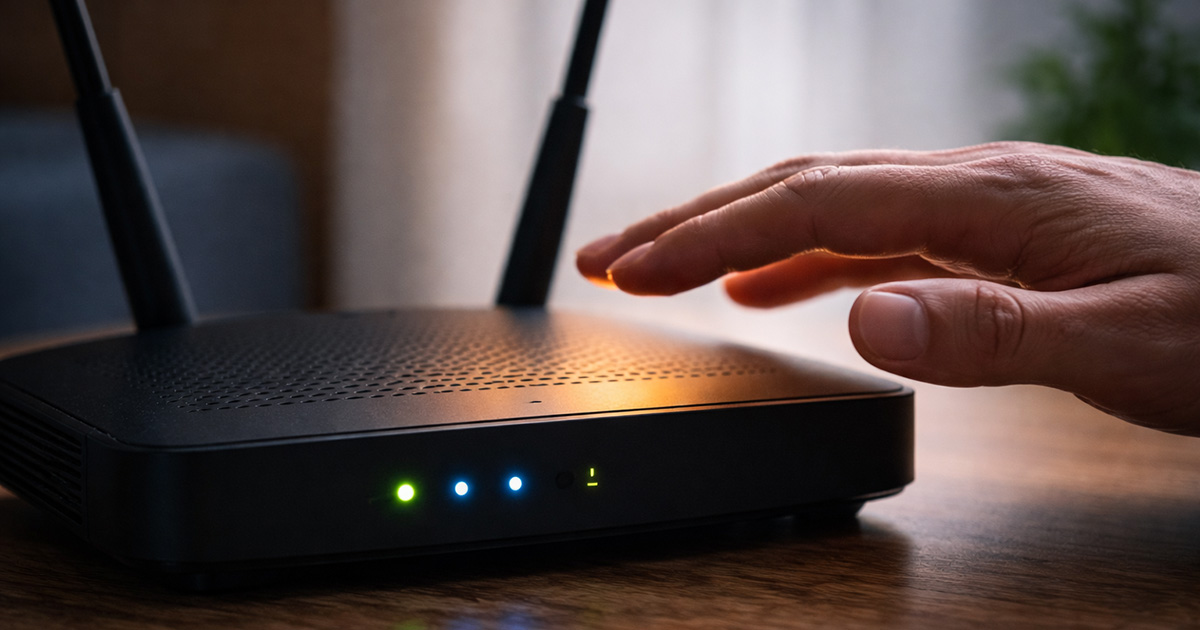
If you touched your router and thought, “That seems hotter than it should be,” you’re not alone.
Routers run 24/7. No breaks. No sleep mode. So yes — they get warm.
But when a router feels hot to the touch, it’s fair to wonder:
Is this normal?
Is it dangerous?
Is it about to fail?
Most of the time, a warm router is completely normal. Excessive heat, however, can cause performance issues and long-term damage.
Here’s how to tell the difference.
Is It Normal for a Router to Feel Warm?
Yes.
Routers contain:
- Processors
- Memory
- Wireless radios
- Constant network activity
All of that generates heat.
If your router feels warm — even noticeably warm — but:
- Wi-Fi is stable
- Speeds are normal
- There are no random reboots
…it’s probably operating within a safe range.
Warm is normal. Overheating is not.
When Router Heat Becomes a Problem
A router may be overheating if you notice:
- Frequent Wi-Fi dropouts
- Slower speeds than usual
- Random restarts
- The case feels extremely hot (almost uncomfortable to hold)
- The router shuts off on its own
Heat causes internal components to throttle performance. In severe cases, the router will reboot itself to prevent damage.
Why Routers Overheat
1. Poor Ventilation (Most Common)
Routers need airflow.
Common mistakes:
- Placing the router inside a cabinet
- Stacking items on top of it
- Putting it on carpet
- Keeping it against a wall with no air circulation
Routers are not decorative devices. They need space.
2. Dust Buildup
Over time, dust blocks ventilation holes.
That traps heat inside the device.
If your router is a few years old and has never been cleaned, this alone can raise internal temperatures.
3. High Network Load
Heavy usage increases heat output.
Examples:
- Multiple 4K streaming devices
- Online gaming
- Video calls
- Large downloads
- Smart home devices constantly connected
More traffic = more processing = more heat.
4. Aging Hardware
Older routers are less efficient.
As components age:
- Cooling becomes less effective
- Internal parts degrade
- Heat tolerance decreases
If your router is 5+ years old, heat issues become more common.
5. Faulty Power Adapter
This one surprises people.
A failing power adapter can:
- Deliver unstable voltage
- Cause internal overheating
- Lead to random shutdowns
If the adapter feels unusually hot, it may be the real problem.
How to Cool Down a Hot Router
✔ Move It to an Open Area
Place the router:
- On a hard surface
- In an open space
- Elevated if possible
- Away from direct sunlight
Airflow fixes most overheating issues immediately.
✔ Keep It Out of Cabinets
Closed cabinets trap heat.
If your router is hidden inside furniture, move it.
Performance improves when heat can escape.
✔ Clean the Vents
- Power off the router
- Use compressed air
- Clear dust from ventilation holes
This is especially helpful for older routers.
✔ Reduce Device Load
Disconnect devices you’re not actively using.
If your home has dozens of connected devices, your router may simply be underpowered for the workload.
✔ Restart the Router
A reboot clears memory and reduces temporary processing load.
This doesn’t fix airflow issues, but it can stabilize performance.
Is a Hot Router a Fire Hazard?
In normal conditions, no.
Routers are designed to handle operating heat safely.
However, it becomes a concern if:
- The casing smells like burning plastic
- You see discoloration
- The device repeatedly shuts off
- The power adapter is extremely hot
In those cases, unplug it and consider replacement.
When It’s Time to Replace the Router
Consider upgrading if:
- Overheating happens regularly
- Wi-Fi drops constantly
- The router is over 5–7 years old
- Performance issues return quickly after cooling
Newer routers are more energy-efficient and handle heavy device loads better.
Final Thoughts
If your router is hot to the touch, that doesn’t automatically mean something is wrong.
Warm is normal. Extremely hot with performance problems is not.
Start with ventilation. Check placement. Clean the vents. Reduce device strain.
Most overheating issues are caused by poor airflow — not hardware failure.
If the router continues overheating after improving ventilation, it may simply be time for an upgrade.