
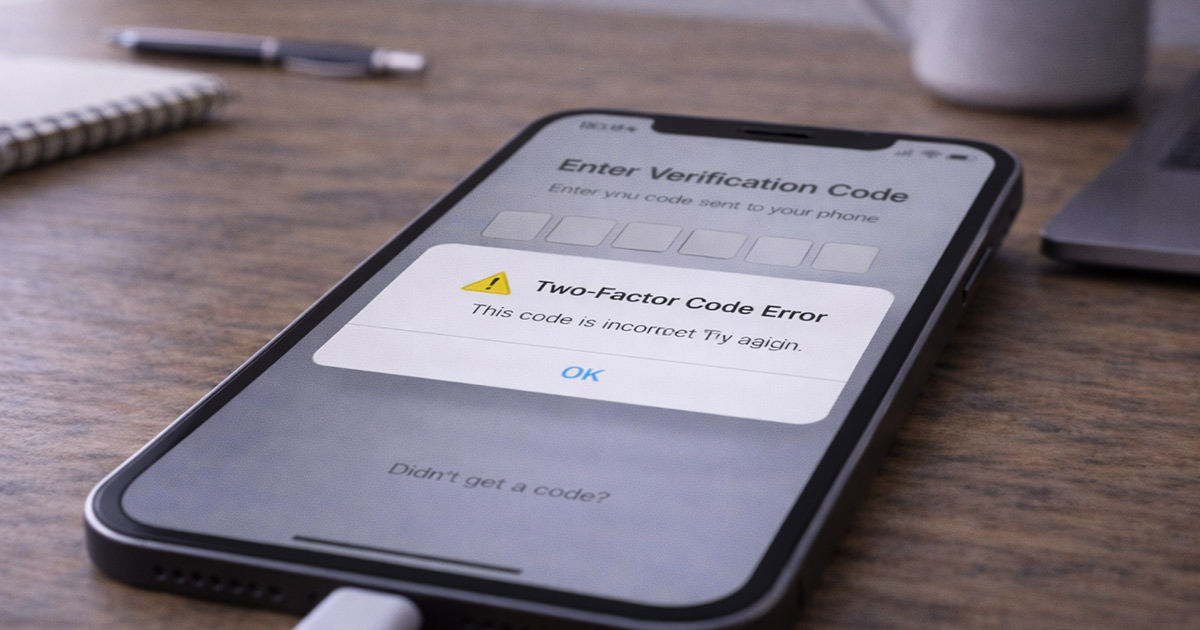
You enter your password.
That works.
Then it asks for the code.
The code never arrives.
Or it arrives… and says it’s wrong.
No warning. No explanation. Just blocked.
That’s not random.
Two-factor authentication doesn’t fail for fun. When 2FA stops working, something specific broke during the verification process.
Here’s what actually happens behind the scenes:
When you log in with 2FA enabled, the system has to:
Generate a temporary verification code
Match it to your account
Sync time between your device and their server
Deliver the code (SMS, app, or email)
Verify it within a strict time window
If any one of those steps fails, access is denied.
That’s the lockout.
Now instead of guessing, we’re going to walk through the real causes — in order of how often they actually happen — and fix this correctly.
What’s Really Happening When 2FA Fails
Most 2FA problems fall into one of three categories:
Time synchronization failure
Delivery failure (SMS or email delay)
Device transfer or setup issue
Nothing mystical. Just a system that fell slightly out of alignment.
Let’s go through them.
1. Phone Time Is Out of Sync (The #1 Cause)
This is the most common reason authenticator codes fail.
Apps like Google Authenticator and Microsoft Authenticator generate codes based on exact time. If your phone clock is even slightly off, the code won’t match the server.
It looks like the code is wrong.
It isn’t.
The clock is.
There’s your gremlin.
Fix on iPhone
Go to Settings
Tap General
Tap Date & Time
Turn on Set Automatically
Fix on Android
Go to Settings
Tap System
Tap Date & Time
Turn on Use Network-Provided Time
After that, reopen the authenticator app and try again.
This fixes it more often than people expect.
2. SMS Code Not Arriving
If you’re using text-message verification, delivery depends on your mobile carrier.
Delays happen.
Especially if you requested multiple codes quickly.
Check these first:
Make sure you have signal
Turn Airplane Mode on and off
Restart your phone
Make sure your phone number is correct
Check blocked messages
Then request one new code.
Not five. Just one.
Requesting too many can delay it further.
If SMS continues failing, use “Try Another Method” if available.
3. You Switched or Reset Your Phone
This one catches people constantly.
Authenticator apps do not automatically restore your accounts unless you set up backup syncing properly.
If you:
Got a new phone
Factory reset your device
Deleted the authenticator app
Restored from backup incorrectly
The codes generated will never match the server.
They’re tied to the original setup.
At that point, you need to:
Use backup codes
Use email recovery
Complete identity verification
Contact platform support
It’s inconvenient. But it’s fixable.
4. Wrong Account Logged In
If you have multiple accounts (work + personal, for example), you may be generating a code for the wrong one.
Authenticator apps can store several accounts at once.
Double-check the label inside the app before entering the code.
Simple mistake. Happens often.
5. Browser or Device Conflict
If 2FA works on one device but not another, it’s usually:
Cached login data
Cookie corruption
An outdated browser
VPN or DNS filtering interference
Fix it this way:
Log out completely
Clear browser cache
Close the browser
Disable VPN temporarily
Try again
We’re isolating variables, not hoping.
6. Server-Side Issues
Sometimes the problem isn’t you.
If 2FA fails during:
Major login attempts
Platform outages
High-traffic events
The service itself may be struggling.
Check:
Official status pages
Recent user reviews
Outage tracking sites
If others are reporting the same issue, wait 10–15 minutes and try again.
There’s nothing to fix locally in that case.
Fastest Way to Fix It (Quick Checklist)
If you don’t want to analyze everything, do this in order:
Turn on automatic date & time
Restart your phone
Request one new code
Try another verification method
Clear browser cache
Disable VPN
Use backup codes if needed
Most 2FA issues resolve by step two.
Prevent This From Happening Again
Once you’re back in:
Download backup codes
Store them securely
Enable a secondary verification method
Confirm your phone number is correct
Consider using an authenticator app with encrypted backup
Redundancy prevents lockouts.
Final Thoughts
Two-factor authentication failing feels dramatic.
It usually isn’t.
It’s almost always:
Time sync
SMS delay
Device transfer issue
Browser conflict
Start simple. Work logically. Fix one category at a time.
Most people solve this in under ten minutes.
No guessing.
Just alignment.