
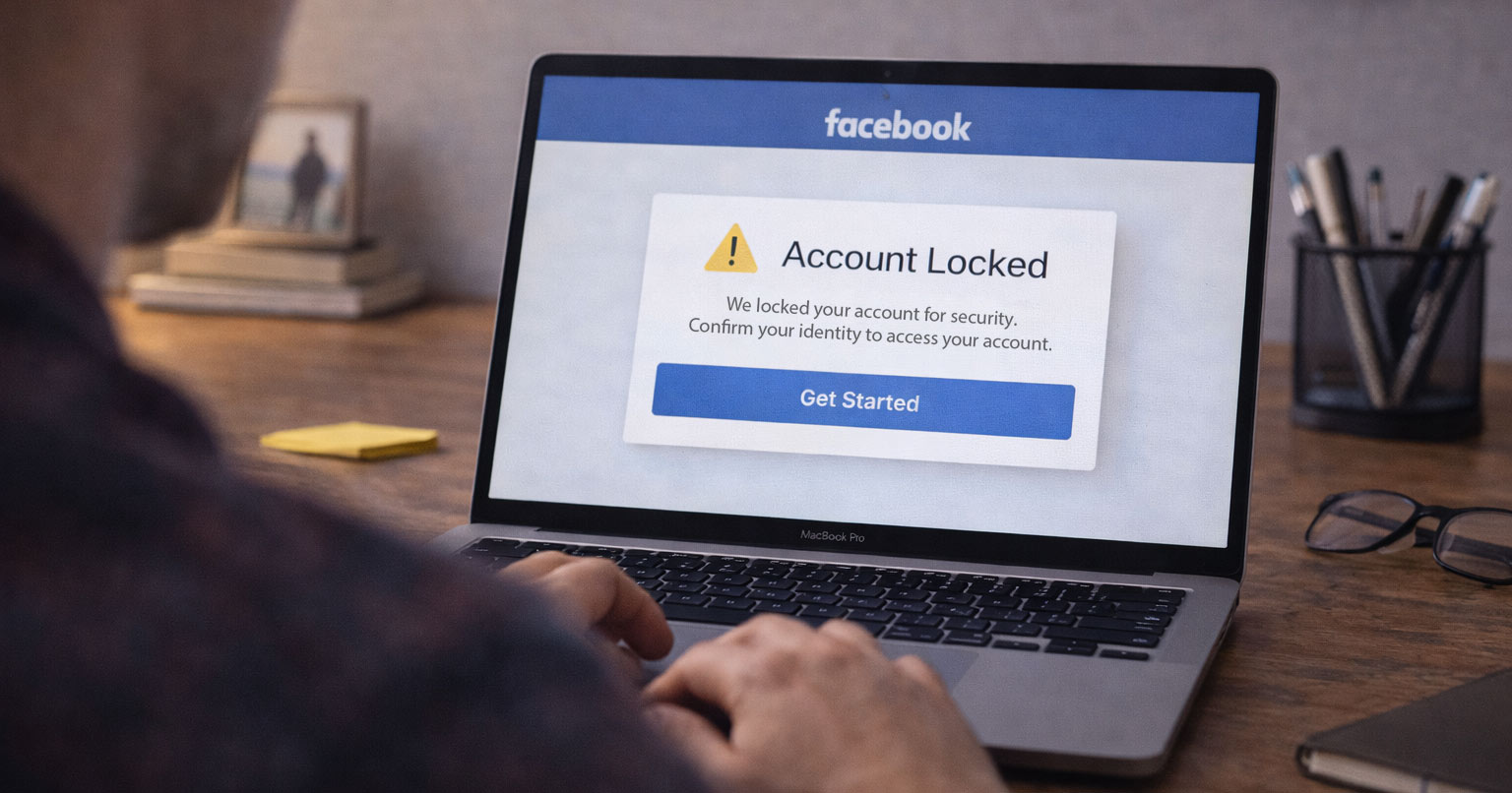
If your Facebook account suddenly gets locked “for security reasons,” it can feel random — or worse, unfair. You didn’t post anything bad. You didn’t break the rules. So what happened?
Here’s the truth: most Facebook account locks are triggered automatically, not manually.
In other words, a system flagged something. Not a human moderator.
The good news? A lock is usually temporary. This guide explains why Facebook locks accounts “for no reason” and exactly what you can do to get back in.
Why Facebook Locks Accounts Suddenly
Facebook runs automated security systems designed to prevent:
- Hacking
- Spam
- Fake accounts
- Bot activity
- Account takeovers
Those systems move fast. Sometimes too fast.
An account can be locked even if:
- You didn’t violate community standards
- You didn’t post anything suspicious
- You didn’t get a warning first
Most locks are preventive, not punitive, and they often resemble an account temporarily locked due to suspicious activity on other platforms. Facebook is trying to confirm it’s really you.
The Most Common Reasons Facebook Accounts Get Locked
1. Unusual Login Activity (Most Common)
Facebook watches login behavior closely. If you’re not locked out but Facebook or another service keeps dropping your session, it can turn into the same kind of problem where an app keeps logging me out.
Your account may be locked if:
- You logged in from a new device
- You logged in from a new city or country
- You used a VPN or proxy
- You entered the wrong password multiple times
- You logged in too many times too quickly
To Facebook, this can look like someone trying to take over your account.
2. Rapid or Repeated Activity
Automation detection is aggressive.
Even normal behavior can trigger a lock if it happens too quickly, such as:
- Sending many friend requests in a short time
- Liking or commenting rapidly
- Posting the same link repeatedly
- Joining multiple groups quickly
If activity looks automated, the system may step in.
3. Password or Email Changes
Security-related changes often trigger temporary locks.
Examples:
- Changing your password multiple times
- Updating your email address
- Recovering your account after failed login attempts
Facebook may pause access until you confirm your identity.
4. Reports or Automated Flags
Your account can be flagged if:
- Someone reports your profile
- A post gets reported (even if it doesn’t break rules)
- Facebook’s filters detect unusual patterns
Sometimes a lock happens before a human review ever occurs.
5. Third-Party Apps or Browser Extensions
Some tools violate Facebook’s security policies.
These include:
- Automation tools
- Growth or engagement software
- Browser extensions that modify Facebook
- Unofficial Facebook apps
These can trigger instant security restrictions.
6. Logging In From Shared or Public Networks
Accessing your account from:
- Public Wi-Fi
- Work or school networks
- Shared computers
can raise flags — especially if that IP address has been linked to suspicious activity before.
7. Identity Verification Issues
If Facebook isn’t fully confident the account belongs to you, it may lock it until verification is completed.
This is common with:
- Older accounts
- Accounts without two-factor authentication
- Accounts with minimal profile information
What a Facebook Account Lock Actually Means
A lock is not the same thing as a permanent ban.
In most cases:
- Your account still exists
- Your data is not deleted
- Facebook is asking for verification
- Access can be restored
Most locks are temporary if handled correctly.
How to Fix a Facebook Account That’s Locked
Step 1: Follow the On-Screen Instructions Carefully
When you try to log in, Facebook will usually show:
- A security checkpoint
- A “Confirm it’s you” screen
- A verification request
Follow the instructions exactly as shown. Don’t skip steps.
Step 2: Complete Identity Verification
Facebook may ask you to:
- Enter a code sent by email or SMS
- Confirm recent activity
- Identify friends in photos
- Upload a government-issued ID
Use accurate, real information. Submitting incorrect details can delay recovery.
Step 3: Check Your Email (Including Spam)
Look for emails from Facebook at:
- Your primary account email
- Your spam or junk folder
Legitimate messages typically come from facebookmail.com.
Step 4: Turn Off VPNs and Try Again
Before attempting another login:
- Disable VPNs
- Avoid proxies
- Use a trusted device
- Use your regular home network
This reduces additional security flags.
Step 5: Use the Official Facebook Recovery Forms
If login verification doesn’t work:
- Use Facebook’s official account recovery tools
- Submit only one request
- Wait for a response
Submitting multiple forms can slow the process down.
Step 6: Wait (Seriously)
Many account locks resolve automatically within:
- 24 hours
- 48 hours
- A few days
Repeated login attempts can extend the lock period. Sometimes doing less is better.
What Not to Do
Avoid these common mistakes:
- Don’t submit fake IDs
- Don’t create a new account immediately
- Don’t spam support forms
- Don’t pay for “account unlock” services
These actions can turn a temporary lock into a permanent one.
When a Facebook Lock Is More Serious
The situation may be more serious if:
- Facebook states the decision is final
- The account violated community standards
- Identity verification is rejected
- You receive a permanent disable notice
In those cases, recovery may not be possible.
Final Thoughts
When a Facebook account gets locked “for no reason,” it’s almost always automated security reacting to something unusual — not personal punishment.
New logins, VPN use, rapid activity, password changes, and third-party tools are the most common triggers.
Follow the verification steps carefully. Avoid repeated login attempts. Use trusted devices and networks.
Most accounts are restored without permanent damage.
If you’re dealing with other app or account access issues, explore the related troubleshooting guides on FixTechProblem.com for step-by-step solutions.