
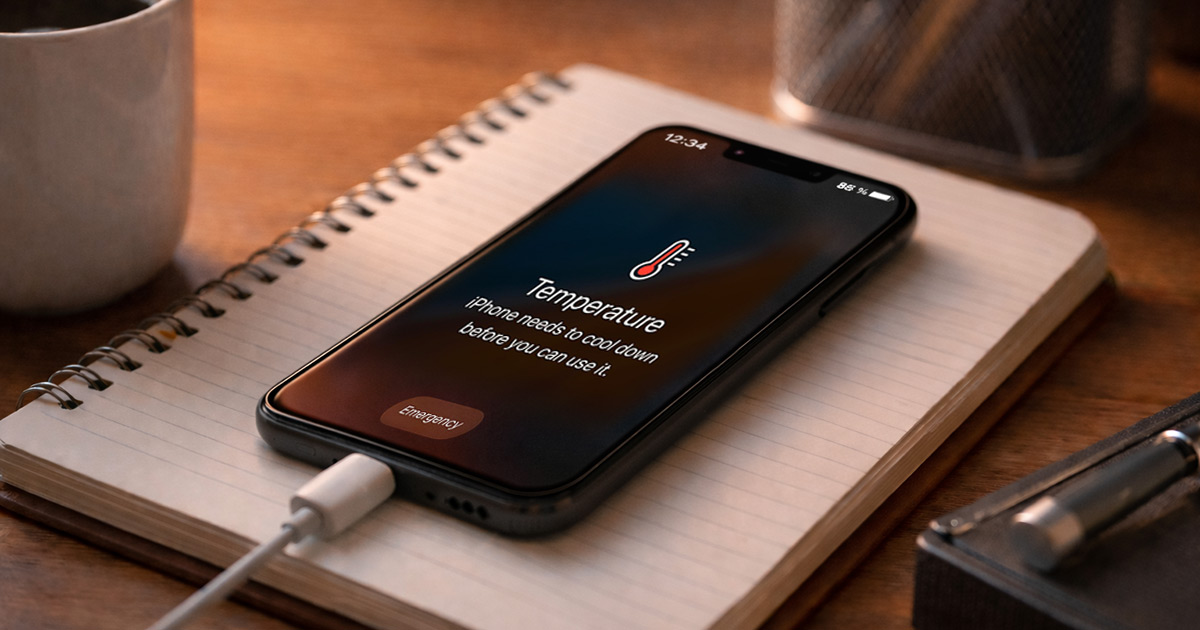
You plug your phone in.
It starts charging.
Then it starts heating up like it’s trying to cook the battery from the inside.
The screen gets warm. The back gets hot.
Sometimes it even stops charging, throws a temperature warning, or throttles into slow-motion mode.
This is fixable.
We troubleshoot in order. WHY first, then HOW. One change at a time.
Why This Is Happening
Heat while charging isn’t mysterious. It’s math and physics.
Charging creates heat. Using the phone creates heat. Fast charging creates more heat.
Stack enough of that together and the phone becomes a tiny hand warmer with apps.
Here are the usual causes that actually matter.
1) You’re fast charging, and fast charging makes heat
Fast charging pushes higher wattage into the battery. More power means more heat, especially during the first chunk of the charge (roughly 0–60%).
Clues:
- Phone gets hottest early in the charge, then cools down later
- You’re using a “fast” charger (USB-C PD, Quick Charge, Super Fast, etc.)
- Heat is worse when battery is low
Quick test: Try a slower charger (5W–12W) for one session and see if the phone stays noticeably cooler.
Fix: Use slower charging when you don’t need speed (overnight, desk charging).
2) You’re charging and using the phone at the same time
Charging already creates heat. Now add a game, video call, GPS navigation, TikTok doomscrolling, or anything that lights up the CPU/GPU. That’s heat on heat.
Clues:
- Heat spikes while watching video, gaming, or using maps while plugged in
- Phone cools quickly if you stop using it
- The screen is on the whole time
Quick test: Plug in, then do nothing for 10 minutes with the screen off.
Fix: Charge with the screen off (or at least stop heavy apps during charging).
3) Wireless charging is inherently less efficient
Wireless charging is convenient. It’s also wasteful. That “waste” becomes heat.
Misalignment between coils makes it worse. So does a thick case.
Clues:
- The phone gets hotter on a wireless pad than on a cable
- It heats more when the phone is slightly off-center
- Heat improves when you remove the case
Quick test: Charge with a cable instead of the pad.
Fix: Use wired charging when you need cooler charging, or align the phone carefully and remove thick cases.
4) Your case is acting like a blanket
Some cases trap heat. Rubber, leather, thick “rugged” cases, and anything with poor ventilation will keep heat in.
Clues:
- Phone is noticeably cooler with the case off
- Heat concentrates around the battery area (often the back center)
- Wireless charging + case = toaster mode
Quick test: Charge once with the case removed.
Fix: Remove the case while charging, or switch to a thinner case.
5) The charging cable or adapter is cheap, damaged, or wrong
Bad cables increase resistance. Resistance creates heat.
Some off-brand chargers also deliver unstable power. The phone tries to manage it, but it’s not thrilled.
Clues:
- Cable feels warm near the connector
- Charging speed fluctuates (connect/disconnect behavior)
- Phone only overheats with one specific charger/cable
Quick test: Swap both the cable and the adapter with known-good ones (preferably original or reputable brand).
Fix: Replace sketchy accessories. Your phone shouldn’t be doing electrical improv.
6) A dirty port (or loose connection) is creating resistance
Pocket lint in the charging port causes a weak connection. Weak connection means more resistance. More resistance means more heat and intermittent charging.
Clues:
- You have to “wiggle” the cable to get it to charge
- Charging cuts in and out
- The connector doesn’t click/seat firmly
Quick test: Try a different cable. If it still feels loose, suspect the port.
Fix: Carefully clean the port (details in the fix section). Don’t go in there like you’re digging for gold.
7) The battery is aging or damaged
As lithium-ion batteries age, internal resistance can increase. That means more heat during charging and use.
If the battery is swelling, that’s not “overheating,” that’s “stop using this device.”
Clues:
- Battery life is significantly worse than it used to be
- Phone gets hot doing normal tasks, not just charging
- Random shutdowns at 20–40%
- Visible bulge, screen lifting, or the phone rocking on a flat surface
Quick test: Check battery health (iPhone) or run a battery diagnostics screen (some Androids).
Fix: Replace the battery if health is poor or symptoms are severe.
8) Your phone is in a hot environment, and charging pushes it over the edge
Cars, sunny windowsills, beds, couches, and blankets are all great at trapping heat.
Phones cool by shedding heat into the air. If the air is warm or blocked, the phone can’t dump heat.
Clues:
- Overheating happens in the car or in direct sun
- It’s worse when charging on soft surfaces
- Temperature warnings show up more in summer
Quick test: Charge on a hard surface in a cooler room.
Fix: Give the phone airflow. “Charging under a pillow” is not a power feature.
9) A rogue app or background process is chewing CPU during charging
Sometimes the phone heats while charging because it’s also doing something heavy in the background: photo sync, cloud backup, indexing, system updates, app updates, or one app stuck in a loop.
Clues:
- Heat happens even on slow charging
- Battery drains fast when unplugged too
- The phone feels busy (lag, warm during idle)
Quick test: Check battery usage stats and see if one app is way above the others.
Fix: Update or remove the problem app, or reset background behavior.
10) “Optimized charging” and battery protection features can look weird
Some phones pause, slow, or pulse charging to reduce long-term battery wear. That’s normal.
But if you see stop-start behavior plus heat, you may be hitting thermal limits. The phone is protecting itself.
Clues:
- Charging slows down after the phone warms up
- You see temperature warnings or “charging paused”
- It charges fine when the phone is cooler
Quick test: Cool environment + slower charger = stable charging.
Fix: Manage heat so the phone doesn’t need to protect itself constantly.
How to Fix It
Do these in order. Don’t shotgun five changes and then wonder which one helped.
After each step, charge for 10–15 minutes and check heat.
- Move the phone to a cooler spot and give it airflow
Put it on a hard surface (desk, table, countertop). Not a bed. Not a couch.
If it’s been in the sun or a hot car, let it cool before charging. Test: Plug in and check if it stays only mildly warm instead of hot. - Stop doing heavy stuff while it’s charging
If you’re gaming, streaming, video calling, or running GPS while charging, you’re stacking heat sources. Fix: Close the heavy app. Turn the screen off.
Test: With the screen off for 10 minutes, the phone should cool down or at least stop heating further. - Turn off fast charging (temporarily or permanently)
If your phone supports toggling fast charging, try disabling it when you don’t need speed. On many Android phones, this lives under Battery settings (names vary): Fast charging / Super fast charging / Fast cable charging.
iPhone doesn’t give a simple “fast charge off” switch, but using a lower-watt adapter effectively does it. Test: With slower charging, the phone should run cooler, especially early in the charge. - Switch to a known-good cable and charger
If you’re using a gas-station charger you found in a drawer, congratulations, you’re now performing electrical archaeology. Fix: Use the original charger/cable or a reputable brand (Anker, Belkin, Apple, Samsung, Google, etc.).
Test: If the overheating disappears with better accessories, you found the culprit. - If you’re using wireless charging, go wired for a day
Wireless charging creates more heat. That’s not a defect. That’s the deal. Fix options:- Use a cable when you need cooler charging
- Re-center the phone on the pad
- Remove thick cases
- Avoid charging through metal rings, wallet cases, or magnetic accessories that don’t play nice
- Remove the case while charging
This is the fastest, dumbest-effective heat fix. Fix: Pop the case off and charge again.
Test: If the phone stays noticeably cooler, pick a thinner case or keep removing it for long charging sessions. - Clean the charging port (carefully)
If the cable connection feels loose, the port may be packed with lint. Safe reset method: Power the phone off first.
Use a wooden or plastic toothpick (not metal), and gently tease lint out. Compressed air can help, but don’t blast it like you’re sandblasting. Test: Cable should seat firmly, and charging should be stable without wiggling. Heat should reduce if the connection was resistive. - Check battery health and battery behavior
If the battery is old, heat during charging becomes more likely. On iPhone:- Settings → Battery → Battery Health (and Charging)
- Battery settings may show battery health, or you may need the manufacturer’s diagnostics app.
- Find the app that’s acting like it pays the electric bill
Check battery usage stats and look for a single app dominating usage. Fix options:- Update the app
- Force stop it
- Disable background activity (Android)
- Reinstall it
- Remove it if it keeps doing this
- Update the OS (when overheating looks like a software bug)
Sometimes a bad update causes runaway background activity. It happens. Not often, but enough to be annoying.
Fix: Install system updates and app updates.
Test: If heat while idle charging improves after updates, it was software behavior, not hardware.
- If you ever see swelling, stop and get the battery replaced
If the phone is bulging, the screen is lifting, or the phone won’t sit flat, you’re done troubleshooting.
Fix: Replace the battery (or the device) through a proper repair channel.
Test: The test is “does it stop being a hazard.” That’s the bar.
Final Thoughts
A phone getting warm while charging is normal. A phone getting hot while charging is a clue.
Usually it’s fast charging, wireless charging, heavy use, trapped heat, or a sketchy charger. Sometimes it’s an aging battery or a background process chewing through CPU.
Treat it like a diagnosis, not a superstition.
Change one thing, test, observe, then move down the list. That’s how you actually catch the cause instead of just rearranging symptoms.
And once you find the trigger, keep that fix. Your phone doesn’t need to double as a space heater.